2025-04-03
Can Laptops Connect to Printers?
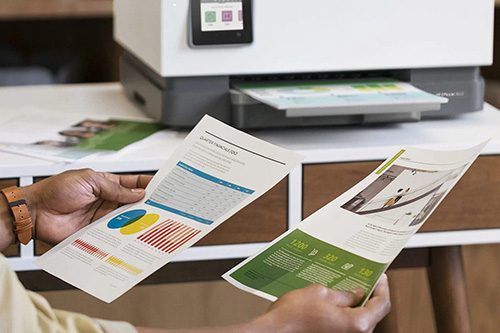
In an era where digital and physical documents coexist, the ability to connect a laptop to a printer is highly convenient. Whether you're a student finalizing a research paper, a professional preparing a business presentation, or someone who simply prefers hard - copy records, establishing a connection between your laptop and a printer can streamline your workflow. There are multiple ways to connect a laptop to a printer. The most common method is via a USB cable. This direct connection offers a stable and reliable transfer of print jobs. All you need to do is plug one end of the USB cable into the printer's USB port and the other end into your laptop's USB slot. Once connected, your laptop should automatically detect the printer. In some cases, you may need to install the printer's driver software. Most printers come with a CD containing the necessary drivers. If not, you can usually download the latest drivers from the manufacturer's official website. Wireless connections have