2024-11-22
Maintenance of Portable Printers
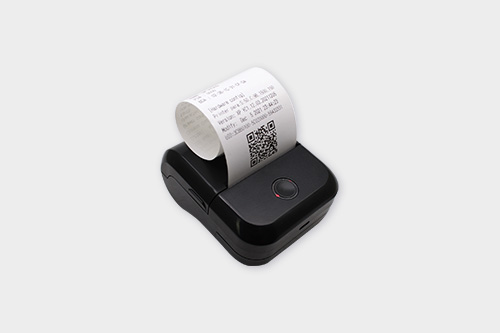
Portable printers have become an essential tool for many people due to their convenience. However, like any other electronic device, they require proper maintenance to ensure optimal performance. Firstly, regular cleaning is crucial. The exterior of the portable printer should be wiped with a soft, dry cloth to remove dust and debris. For the interior, especially the paper path, it is important to use a gentle brush or a can of compressed air to clean out any paper scraps or dust that may accumulate. This helps prevent paper jams, which are one of the most common problems in printers. If there are visible ink smudges on the print head area in an inkjet portable printer, special cleaning solutions designed for print heads can be used. For thermal printers, ensuring that the thermal print head is free from any residue is vital as it can affect print quality. Another aspect of maintenance is checking the consumables. In the case of inkjet portable printers, the ink levels should be