

Time:2025.11.07Browse:1
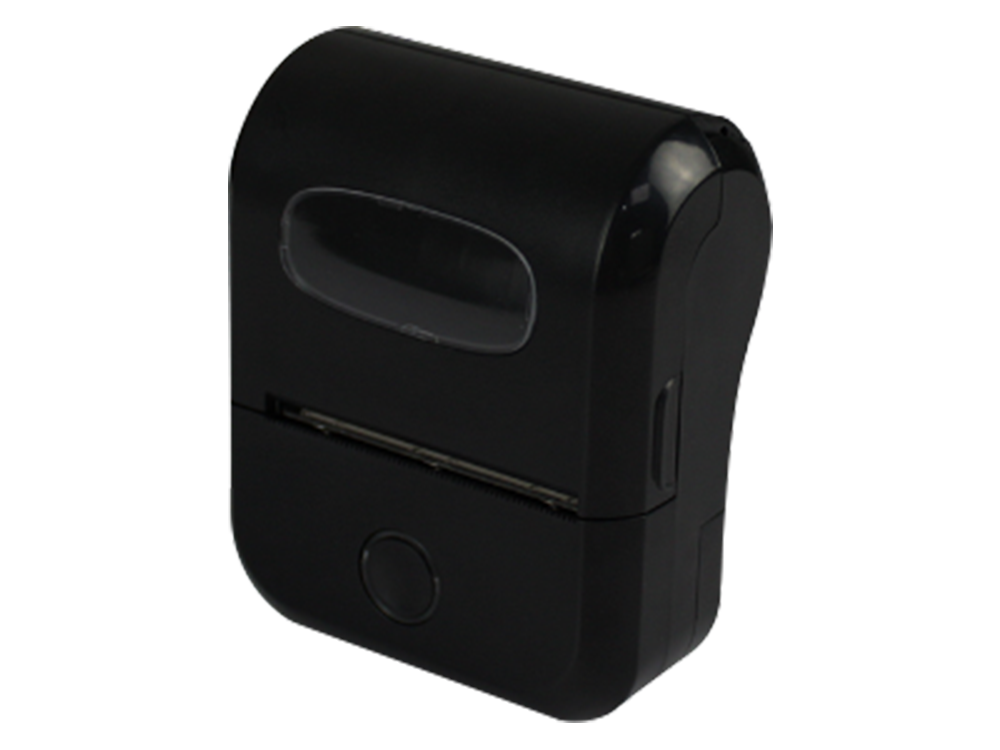
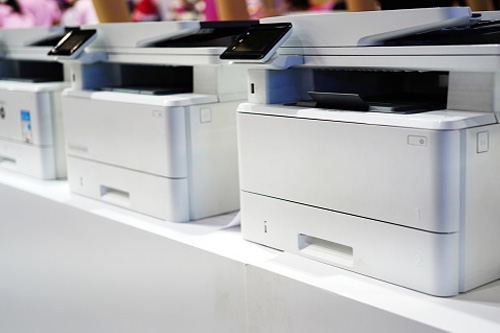
Vertical lines (either blank or colored) on printed pages are a common issue across inkjet and laser printers, caused by hardware defects or material buildup that disrupts consistent ink/toner transfer. Resolving this requires targeted troubleshooting based on printer type, as the root causes differ significantly between inkjet and laser models.
For inkjet printers, vertical lines typically stem from clogged printhead nozzles (blocked by dried ink) or a damaged printhead. Start with a nozzle check: most printers (e.g., Epson, Canon) have a "Nozzle Check" option in the control panel or manufacturer’s app (e.g., HP Smart), which prints a test pattern of lines—missing segments indicate clogged nozzles. Run an automatic cleaning cycle (via the same menu); this uses pressurized ink to clear blockages. For persistent clogs, perform a deep clean (note: this uses more ink) or manual cleaning: turn off the printer, remove the ink cartridges, and gently wipe the printhead with a lint-free cloth dampened with distilled water (avoid alcohol, which can damage the printhead). Let the printhead dry for 10 minutes before reinstalling cartridges and retesting. A home user with an Epson EcoTank inkjet reported that two automatic cleaning cycles resolved blank vertical lines caused by 2 weeks of inactivity.
For laser printers, vertical lines often result from a dirty or damaged drum unit (toner adheres unevenly to a scratched drum) or toner buildup on the fuser roller. First, remove the drum unit (refer to the printer manual) and inspect for scratches or toner smudges—use a dry, lint-free cloth to wipe the drum gently (never touch it with bare hands, as oil from skin damages the surface). If the drum is scratched, replace it (drums typically last 10,000-20,000 pages). Next, check the toner cartridge: shake it gently to redistribute toner (if lines are faint or uneven) or replace it if it’s low. For example, a small office with a HP LaserJet Pro found that replacing a worn drum unit eliminated dark vertical lines caused by toner sticking to a scratch. Regular maintenance (monthly drum cleaning, replacing toner before it’s fully empty) prevents recurring vertical lines.
Read recommendations:





Building C, Bairongda, Ma'anshan, Bao'an District, Shenzhen City, Guangdong Province
Tel:18823301751
Service Hotline:400-008-8930


















 2024-07-18