

Time:2025.12.04Browse:1
Printer print head movement stuttering—where the print carriage moves in an uneven, jerky, or halting manner—is a clear indication of a mechanical or electronic fault that severely impacts print quality, often resulting in banding, misaligned output, or paper jams. This problem is almost exclusive to inkjet and impact printers, as laser printers use a static laser assembly. Diagnosing the issue requires systematic inspection of the moving parts and the control system.
The most common mechanical cause is friction along the print carriage rail (or guide bar). This metal or plastic bar must be perfectly clean and lubricated to allow the print head to glide smoothly. Over time, paper dust, spilled ink, and dry lubricant create resistance, causing the motor to work harder, leading to stuttering or skipping, especially at the extremes of the carriage's movement. The immediate remedy involves physically cleaning the rail using a lint-free cloth and applying a tiny amount of manufacturer-recommended lubricant (usually a light machine oil or specialized silicone grease) to restore smooth, low-friction movement. Never use heavy oil or WD-40, which can attract more dust.
Another major mechanical cause is an issue with the carriage drive belt or the encoder strip. The drive belt is a toothed rubber or Kevlar belt responsible for translating the motion of the carriage motor to the print head; if the belt is worn, loose, or has damaged teeth, it can slip or jump, resulting in jerky movement. The encoder strip is a thin, translucent plastic strip running the width of the printer that has fine, precise lines etched into it. A sensor on the print head reads these lines to accurately track the print head's position. If the encoder strip is dirty (with ink smears) or scratched, the sensor loses its reference point, causing the print head to hesitate, stutter, or misalign the print. Cleaning the encoder strip with a damp, lint-free cloth and checking its tension is a common troubleshooting step.
Finally, the problem can be electronic. If the carriage motor (stepper motor) itself is failing or if the main logic board is providing inconsistent power or control signals, the head movement will be erratic. This often manifests as unpredictable stops and starts and may be accompanied by error codes. While a motor replacement is possible for some models, electronic failures typically point to the end of the printer's economical service life, as replacing the main logic board is often prohibitively expensive compared to buying a new printer. Systematic diagnosis should always proceed from cleaning the accessible mechanical parts (rail, strip) before concluding a major component failure.
Read recommendations:
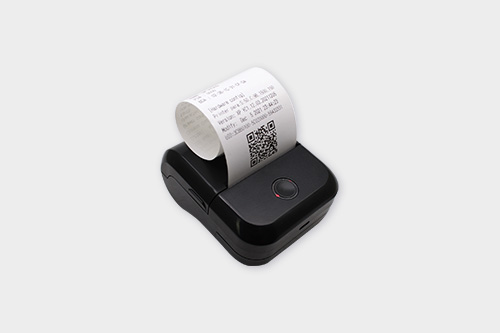
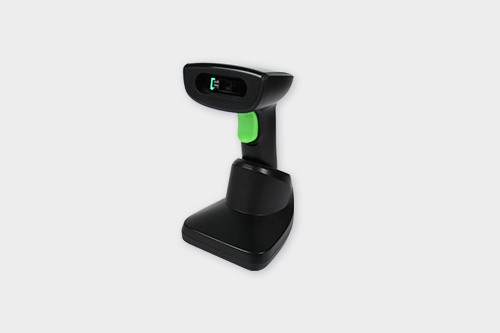
Multi - Function Integrated Panel Thermal Printer with Barcode Scanner





Building C, Bairongda, Ma'anshan, Bao'an District, Shenzhen City, Guangdong Province
Tel:18823301751
Service Hotline:400-008-8930













 2025-08-13