

Time:2022.11.26Browse:1
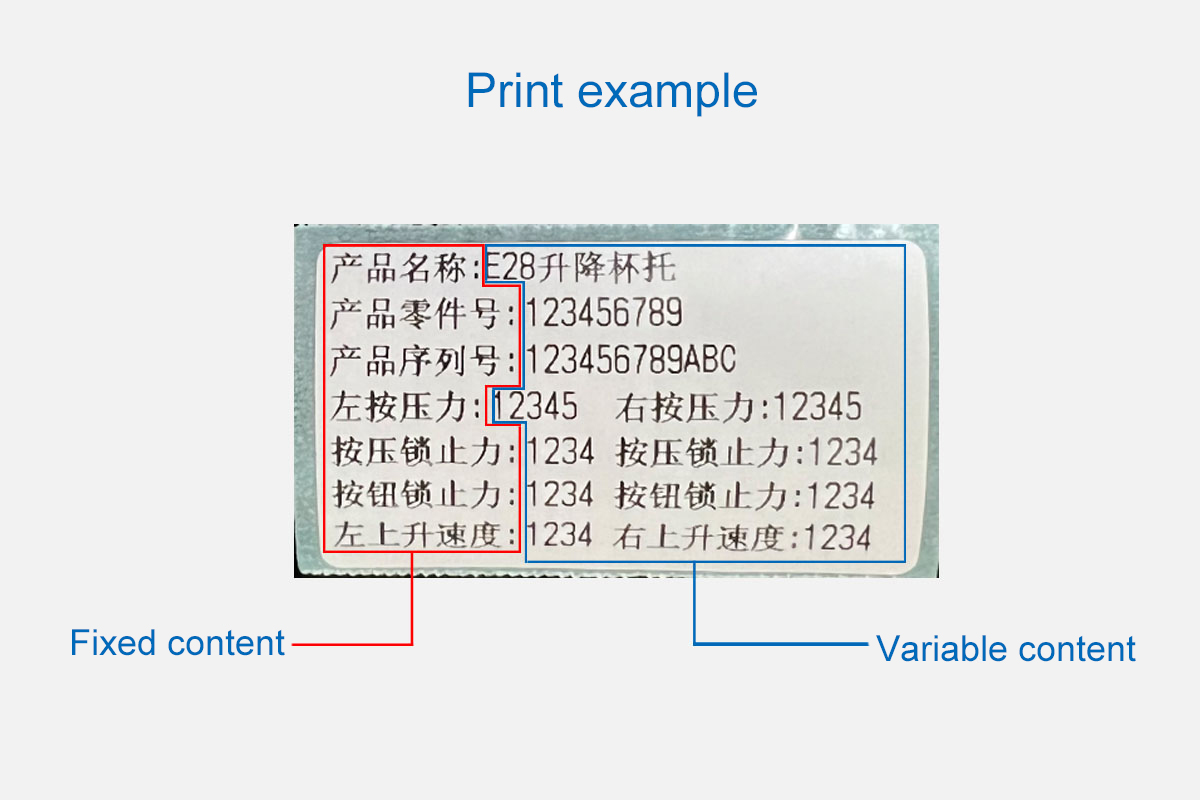
Pre-stored template printing label, as the name suggests, is to make the fixed content into a template and pre-store it in the printer, and then print the complete label content by calling the template command + variable data! As shown in the figure below
Read recommendations:
Portable Wireless Printers Wi - Fi Connection
80mm Embedded Thermal Printers for Warehouse Inventory Labeling





Building C, Bairongda, Ma'anshan, Bao'an District, Shenzhen City, Guangdong Province
Tel:18823301751
Service Hotline:400-008-8930
















 2025-11-15