

Time:2025.12.02Browse:1
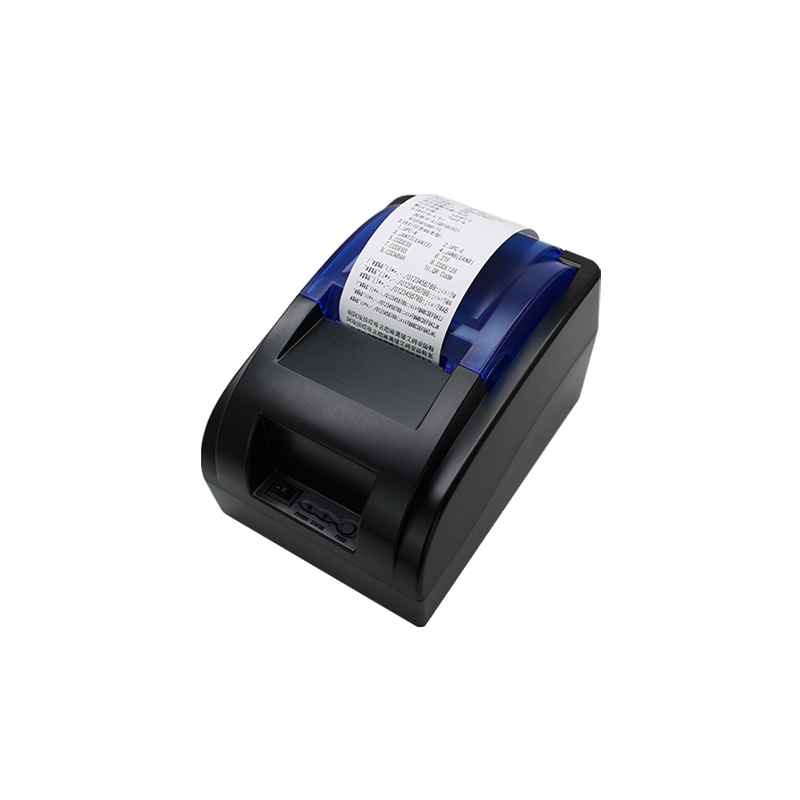
Adjusting the vertical printing position of a printer is essential for achieving precise alignment, especially when printing labels, envelopes, or multi-page documents. Most modern printers, including inkjet and laser models, offer software-based adjustments through their driver settings. To begin, access the printer properties or preferences menu on your computer, typically found in the "Devices and Printers" section of the control panel. Look for options like "Page Setup," "Printing Preferences," or "Advanced Settings," where you may find vertical alignment or offset adjustments.
Some printers also feature physical calibration tools, such as adjustable paper guides or manual dials on the printer itself. For example, if prints are consistently shifting upward or downward, slightly loosening the paper guides and repositioning them can help center the paper correctly. Additionally, running a printer self-test or alignment page (often accessible via the printer’s control panel) can identify misalignment issues. Follow the on-screen instructions to complete the calibration process, which may involve selecting the best-aligned patterns from a printed test sheet.
If software and physical adjustments fail, check for firmware updates for your printer model. Manufacturers occasionally release updates to improve print accuracy and fix alignment bugs. For network printers, ensure the correct driver is installed on all connected devices to prevent conflicts. Regular maintenance, such as cleaning the paper feed rollers, can also reduce slippage that causes vertical misalignment. By combining these methods, you can fine-tune your printer’s vertical positioning for professional-quality results.
Read recommendations:





Building C, Bairongda, Ma'anshan, Bao'an District, Shenzhen City, Guangdong Province
Tel:18823301751
Service Hotline:400-008-8930















 2025-11-14