

Time:2025.12.01Browse:1
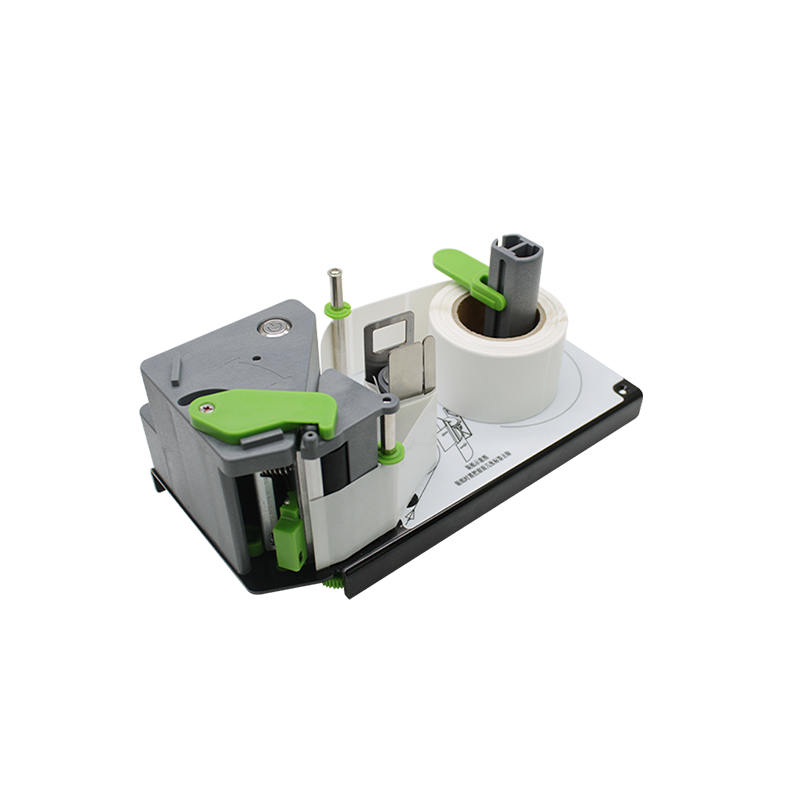
The fuser unit is a critical component in laser printers that uses heat (180–220°C) and pressure to fuse toner particles permanently onto paper. Over time, toner residue, paper dust, and wear can degrade the fuser’s performance—leading to smudged prints, paper jams, or uneven toner adhesion. Laser printer fuser unit maintenance is essential to extend its lifespan (typically 50,000–200,000 pages) and maintain consistent print quality, requiring careful handling (due to high temperatures) and adherence to safety guidelines.
Safety is the first priority: always power off the printer and disconnect it from the power source, then wait 30–60 minutes for the fuser to cool completely (it remains hot for hours after use). Once cool, access the fuser unit—location varies by model, but it’s usually near the printer’s output tray (refer to the user manual for specific steps). For most laser printers, you’ll need to remove a cover or release levers to access the fuser assembly, which consists of two rollers: the heated upper roller (covered in a teflon coating to prevent toner sticking) and the lower pressure roller (rubberized to apply pressure).
Cleaning the fuser unit focuses on removing residue. Use a dry, lint-free cloth to gently wipe the upper and lower rollers—avoid using water or alcohol, as these can damage the teflon coating or rubber. For stubborn toner residue (visible as dark spots on the rollers), use a small amount of fuser cleaning fluid (available from printer manufacturers) on a cloth—apply lightly to avoid saturating the rollers. Inspect the rollers for damage: cracks, peeling teflon, or flattened rubber indicate the need for roller replacement (costing (30–)80 per roller). Check the fuser’s heat sensors (small metal probes near the rollers) for dust buildup—use a soft brush to remove debris, as dirty sensors can cause incorrect temperature readings (leading to under-fused or over-fused toner).
Preventive maintenance steps reduce fuser wear. Use high-quality paper (80–100 gsm) to avoid paper dust and minimize jams—low-quality paper sheds fibers that accumulate on rollers. Avoid printing on glossy or thick paper (e.g., cardstock) more than necessary, as these require higher fuser temperatures and accelerate wear. Regularly clean the printer’s paper path (rollers and guides) to reduce debris that can reach the fuser. If the printer displays a “Fuser Low Temperature” or “Fuser Error” message, address it immediately—ignoring these can cause permanent fuser damage. By performing regular fuser maintenance, users avoid costly fuser replacement (which can cost (200–)500 for high-speed models) and ensure long-lasting, high-quality prints.
Read recommendations:





Building C, Bairongda, Ma'anshan, Bao'an District, Shenzhen City, Guangdong Province
Tel:18823301751
Service Hotline:400-008-8930

















 2025-03-25