

Time:2025.12.04Browse:1
The print quality of a commercial receipt printer is a critical factor in business operations, impacting readability, brand perception, and the scannability of essential information such as barcodes and QR codes. Unlike high-resolution document or photo printing, receipt quality is measured primarily by its clarity, consistency, and durability under high-volume, continuous operation, with the standard resolution typically ranging from 180 to 203 dots per inch (DPI). The two primary types are thermal and impact (dot matrix) printers, each with unique quality metrics.
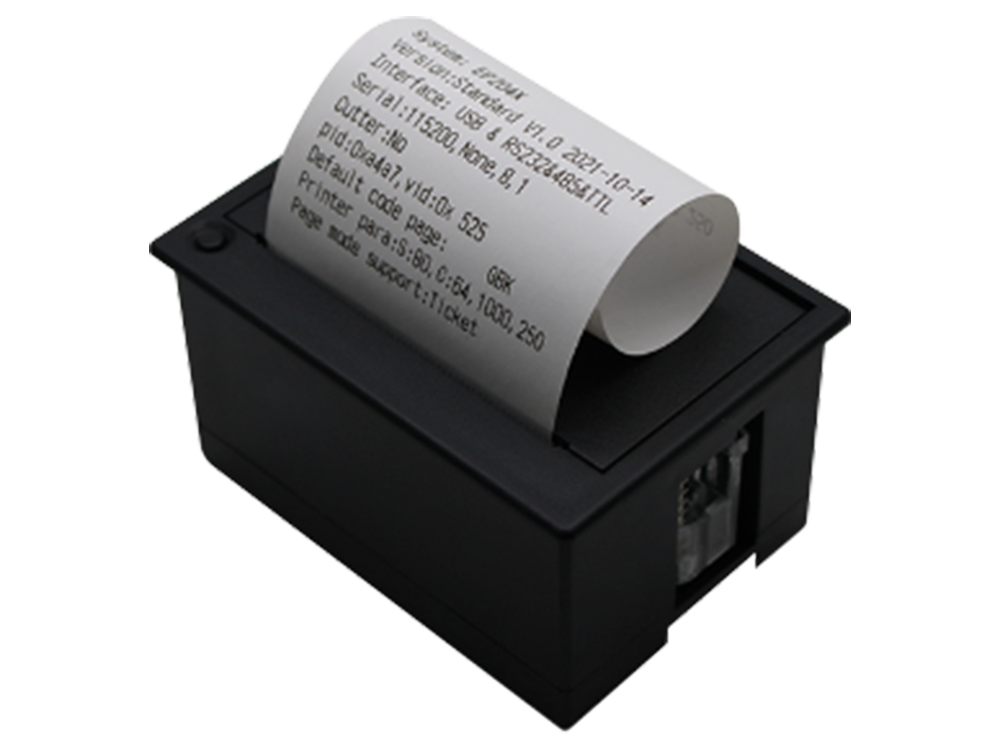
Thermal receipt printers (the dominant type) rely on heating elements to activate chemicals in thermal paper. Print quality here is determined by three factors: the condition of the thermal print head, the quality of the thermal paper, and the print speed. High-quality output requires a print head that is clean and has no failed heating elements; any dust, residue, or scratch on the print head will result in white streaks or gaps in the printout, compromising barcode scannability. Furthermore, using cheap, low-sensitivity thermal paper may result in faint, grayish printing even when the head is perfect. Manufacturers like Epson and Star Micronics recommend specific print darkness settings and routine print head cleaning to maintain optimal quality under heavy transaction loads. The durability of the thermal image is also a quality concern, as the receipt must remain readable despite exposure to light, heat, or certain chemicals.
Impact (dot matrix) receipt printers, while less common, are used where duplicate forms (carbon copies) or extreme durability is required. Print quality is determined by the ribbon saturation and the pin condition of the print head. Faded, dry ribbons produce extremely faint, illegible prints, while bent or broken pins will result in missing dots and incomplete characters. Regular ribbon replacement and the use of high-quality, manufacturer-recommended ribbons are the primary maintenance steps for preserving quality. The quality is also affected by the pressure setting, which must be calibrated to strike the balance between clear printing and not damaging the multi-ply forms.
Optimization involves systematic maintenance: cleaning the print head (thermal or impact) regularly to remove paper dust and residue; using high-quality consumables (ribbons, thermal paper) that meet the printer's specifications; and calibrating the print density or pressure settings to suit the application. For commercial applications, the ultimate measure of quality is the consistent first-pass reading rate of any printed barcodes or QR codes, a factor directly linked to the print head's health and the ribbon/paper quality.
Read recommendations:





Building C, Bairongda, Ma'anshan, Bao'an District, Shenzhen City, Guangdong Province
Tel:18823301751
Service Hotline:400-008-8930


















 2025-03-11