

Time:2025.12.02Browse:1
Vertical streaks on printer output can ruin the appearance of documents and indicate underlying issues with the printer’s hardware or consumables. These streaks, which appear as lines running parallel to the direction of paper movement, are often caused by clogged or damaged printheads, worn rollers, or low-quality ink/toner. To diagnose the problem, start by printing a nozzle check or test page (available in most printer software) to identify which colors are affected. If streaks appear in specific colors, the corresponding printhead nozzle may be blocked.
For inkjet printers, cleaning the printhead is the first step. Most printers have a built-in cleaning utility that can be accessed through the driver settings. Run a standard or deep cleaning cycle to dislodge dried ink. If manual cleaning is needed, gently wipe the printhead with a lint-free cloth dampened with distilled water or isopropyl alcohol. Avoid touching the nozzles directly to prevent damage. For laser printers, streaks may indicate a dirty or scratched drum unit or toner cartridge. Replace the cartridge if the toner appears low or unevenly distributed.
If streaking persists, inspect the paper feed rollers for debris or wear. Dirty rollers can cause paper to slip, leading to misalignment and streaks. Clean the rollers with a soft, damp cloth and ensure they rotate freely. Additionally, check the paper quality; low-grade or damp paper can shed fibers that clog printheads or drums. Using genuine manufacturer-recommended consumables can also prevent streaking caused by incompatible or poor-quality supplies. Regular maintenance and proper usage habits are key to avoiding vertical streaks.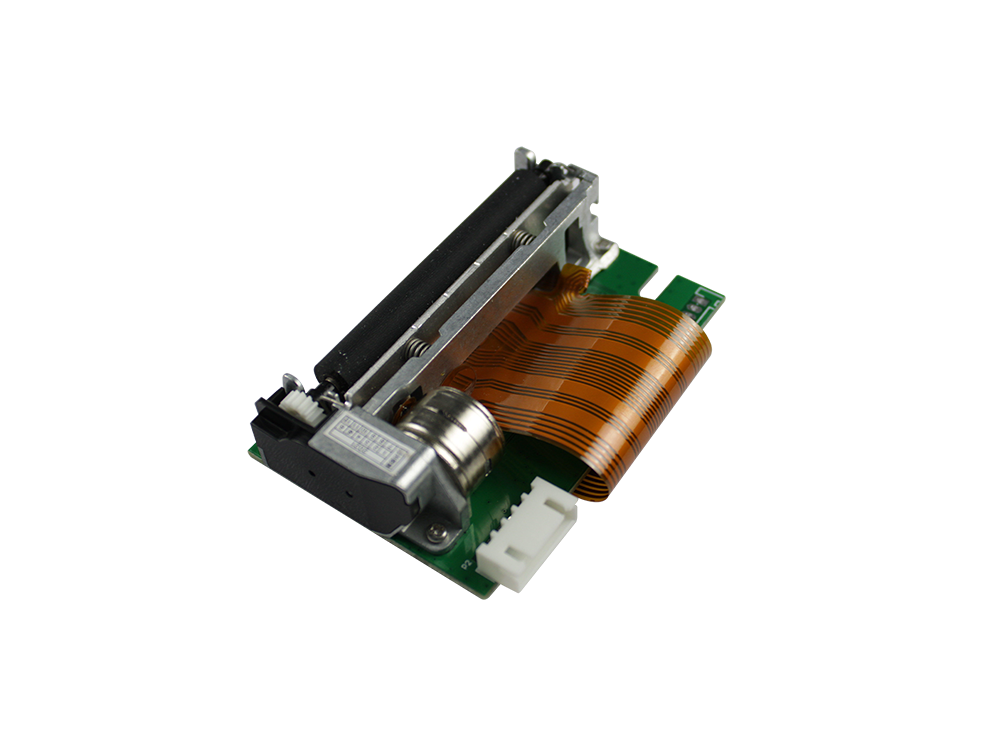
Read recommendations:





Building C, Bairongda, Ma'anshan, Bao'an District, Shenzhen City, Guangdong Province
Tel:18823301751
Service Hotline:400-008-8930
















 2024-08-09